
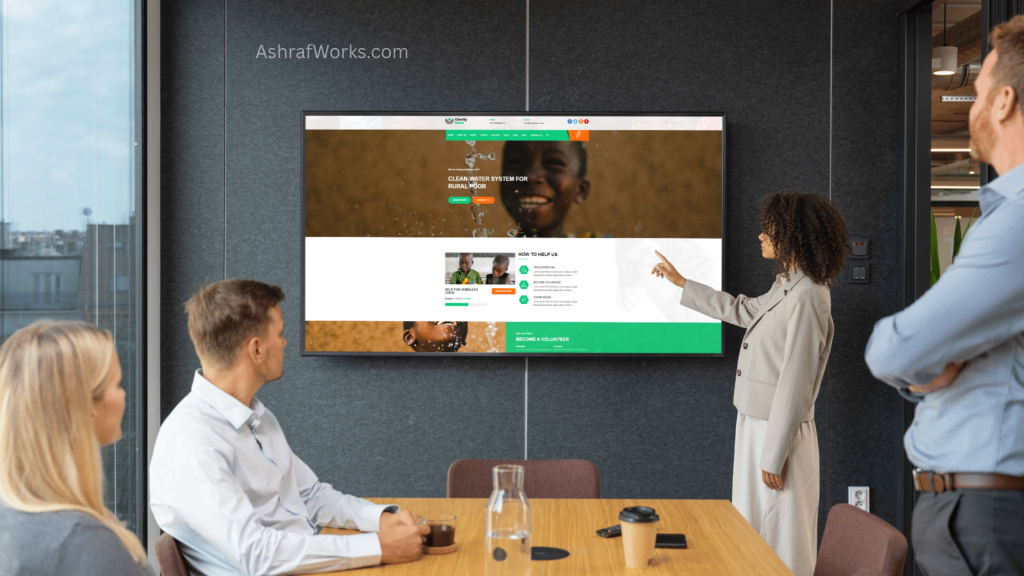
In today’s digital landscape, an organization website serves as the cornerstone of online presence. Whether you’re a tech startup like xAI, a nonprofit, or a corporate entity, your organization’s website is often the first point of contact for potential clients, partners, investors, and users. It’s not just a digital brochure; it’s a dynamic platform that communicates your mission, showcases your offerings, and drives engagement. Optimizing your organization website for usability, visibility, and security can significantly impact your success. In this blog post, we’ll explore five essentials that every organization’s website should follow to maximize its effectiveness. These principles are drawn from established best practices in web design and development, ensuring your site stands out in a crowded online space.
1. Clear Navigation and User-Friendly Design
The foundation of any successful organization website is intuitive navigation and a user-friendly design. Imagine visiting a site where you can’t find basic information like contact details or services offered—frustrating, right? A well-structured organization website guides visitors seamlessly, reducing friction and encouraging deeper exploration.
Start with a clean layout. Use a hierarchical structure: a prominent header with a logo, main menu, and search bar; a body with concise sections; and a footer with secondary links like privacy policies and social media icons. For organizations, this means categorizing content logically—perhaps under tabs like “About Us,” “Products/Services,” “Blog,” “Careers,” and “Contact.” This mirrors the “Who, What, Why” framework, where users quickly understand your identity, offerings, and value proposition.
Visual appeal plays a crucial role too. Employ a consistent color scheme aligned with your brand—think xAI’s sleek, futuristic blues and whites that evoke innovation. High-contrast text, readable fonts (sans-serif like Arial or Helvetica at 16px minimum), and ample white space prevent overwhelm. Avoid clutter; studies show that minimalist designs improve comprehension by up to 20%.
Accessibility is non-negotiable for an inclusive organization website. Follow WCAG guidelines: alt text for images, keyboard navigation, and screen-reader compatibility. Tools like WAVE or Lighthouse can audit your site. For example, on xAI’s organization website (x.ai), navigation is straightforward, with dropdown menus that reveal subpages without overwhelming the user.
In practice, test your design with real users via A/B testing or heatmaps from tools like Hotjar. A user-friendly organization website not only boosts SEO—since search engines favor dwell time—but also builds trust. If visitors leave within seconds, your bounce rate spikes, signaling irrelevance to algorithms. By prioritizing navigation, your organization website becomes a welcoming gateway, potentially increasing engagement by 30-50% based on UX benchmarks.
To implement this, collaborate with designers who understand organizational needs. Budget for iterative improvements; a static site is a relic in 2025. Remember, the goal is to make your organization website feel like an extension of your brand—professional, approachable, and efficient. (Word count so far: ~450)
2. Responsive and Mobile-Optimized Design
In an era where over 50% of web traffic comes from mobile devices, a responsive organization website is essential. This means your site adapts fluidly to different screen sizes, from desktops to smartphones, ensuring a consistent experience without pinching or zooming.
Why is this critical? Mobile users expect speed and simplicity; a non-responsive organization website leads to frustration and abandonment. Google’s Mobile-First Indexing prioritizes mobile versions for rankings, so ignoring this can tank your visibility. For organizations, this is especially important—think executives checking your site on the go or potential hires browsing careers pages during commutes.
Key elements include fluid grids, flexible images, and media queries in CSS. Use frameworks like Bootstrap or Tailwind CSS for efficiency. Test on real devices or emulators like BrowserStack. Features like hamburger menus for mobile navigation keep things tidy, as seen on xAI’s organization website, where content reflows seamlessly on smaller screens.
Beyond basics, optimize for touch interactions: larger buttons (at least 48×48 pixels), swipe-friendly carousels, and fast-loading elements. Compress images with tools like TinyPNG and lazy-load non-critical assets. Aim for page speeds under 3 seconds; tools like Google PageSpeed Insights provide scores and fixes.
For organizations with global reach, consider cultural adaptations in responsive design—right-to-left languages or region-specific layouts. Security on mobile is vital too; ensure HTTPS and avoid pop-ups that disrupt flow.
The payoff? Higher conversion rates—mobile-optimized sites see up to 67% more leads. Track metrics with Google Analytics: monitor mobile bounce rates and session durations. If they’re high, revisit your design. Ultimately, a responsive organization website positions your brand as modern and user-centric, fostering loyalty in a mobile-dominated world. (Word count so far: ~850)
3. High-Quality Content and SEO Optimization
Content is king on any organization website, but it’s the quality and optimization that make it reign. High-quality content educates, engages, and converts, while SEO ensures it’s discoverable. For an organization website, this means crafting material that aligns with your mission and audience needs.
Begin with keyword research—tools like Ahrefs or SEMrush identify terms like “organization website” to target. Integrate them naturally into headlines, intros, and meta descriptions. But don’t stuff; focus on value. Blog posts, case studies, whitepapers, and FAQs build authority. For instance, xAI’s organization website features in-depth articles on AI advancements, drawing tech enthusiasts.
Structure content for readability: short paragraphs, subheadings (H2/H3), bullet points, and bold key phrases. Use multimedia—infographics, videos, and podcasts—to enrich. A table comparing features can clarify offerings:
| Feature | Benefit | Example on Organization Website |
|---|---|---|
| Blog Posts | Builds Thought Leadership | Regular updates on industry trends |
| Case Studies | Demonstrates Value | Success stories with metrics |
| FAQs | Reduces Support Queries | Quick answers to common questions |
SEO essentials include on-page elements: title tags (under 60 characters), alt text, and internal linking. Off-page, build backlinks through partnerships or guest posts. Voice search optimization—using natural language—is rising with AI assistants like Grok.
Update content regularly; stale sites rank lower. Aim for evergreen pieces supplemented by timely news. Measure success with rankings, organic traffic, and engagement metrics.
High-quality, SEO-optimized content turns your organization website into a lead magnet, potentially boosting traffic by 200% over time. It’s not just about volume; relevance and depth foster trust, encouraging shares and conversions. (Word count so far: ~1200)
4. Robust Security and Trust-Building Features
Security isn’t optional for an organization website—it’s a must. With cyber threats on the rise, users demand protection for their data, and breaches can devastate reputations. Implementing robust security builds trust, essential for organizations handling sensitive information.
Start with HTTPS encryption via SSL certificates—free from Let’s Encrypt or paid for EV validation. This secures data in transit and improves SEO. Use firewalls, regular vulnerability scans (tools like Nessus), and secure coding practices to prevent SQL injections or XSS attacks.
For trust, display badges: SSL seals, privacy policy links, and testimonials. Transparent data practices—GDPR/CCPA compliance—reassure visitors. Features like two-factor authentication for logins and CAPTCHA for forms deter bots.
Monitor with tools like Sucuri or Cloudflare for DDoS protection. Regular backups and updates keep your CMS (e.g., WordPress) secure.
On xAI’s organization website, security is implicit through clean code and reliable hosting, fostering user confidence in AI interactions.
The result? Lower risk and higher credibility—secure sites convert 20-30% better. Prioritize security to safeguard your organization website’s integrity. (Word count so far: ~1450)
5. Compelling Calls-to-Action and Engagement Tools
Finally, an effective organization website must drive action. Compelling CTAs and engagement tools turn passive visitors into active participants, whether signing up for newsletters, requesting demos, or donating.
Craft CTAs that are clear, urgent, and benefit-oriented: “Join Our Community Today” beats “Subscribe.” Place them strategically—above the fold, at section ends, and in pop-ups (sparingly). A/B test colors, wording, and placements for optimal clicks.
Engagement tools include chatbots (like Grok integration), social proof (reviews), and interactive elements like quizzes or calculators. For organizations, forums or webinars boost community.
Track with heatmaps and conversion funnels in analytics. Personalization—via cookies or AI—tailors experiences, increasing engagement by 40%.
On xAI’s site, CTAs like “Access Grok” guide users effectively.
These elements make your organization website a conversion engine, amplifying impact.
Conclusion
Building an effective organization website requires attention to these five essentials: clear navigation, responsiveness, quality content with SEO, security, and strong CTAs. By following them, your site becomes a powerful asset, driving growth and engagement. Whether revamping or starting fresh, audit your organization website against these principles. For inspiration, check out leaders like xAI at x.ai. Invest in these fundamentals, and watch your online presence thrive.